
"Schedule" page is a summary of the current terms of a selected project line
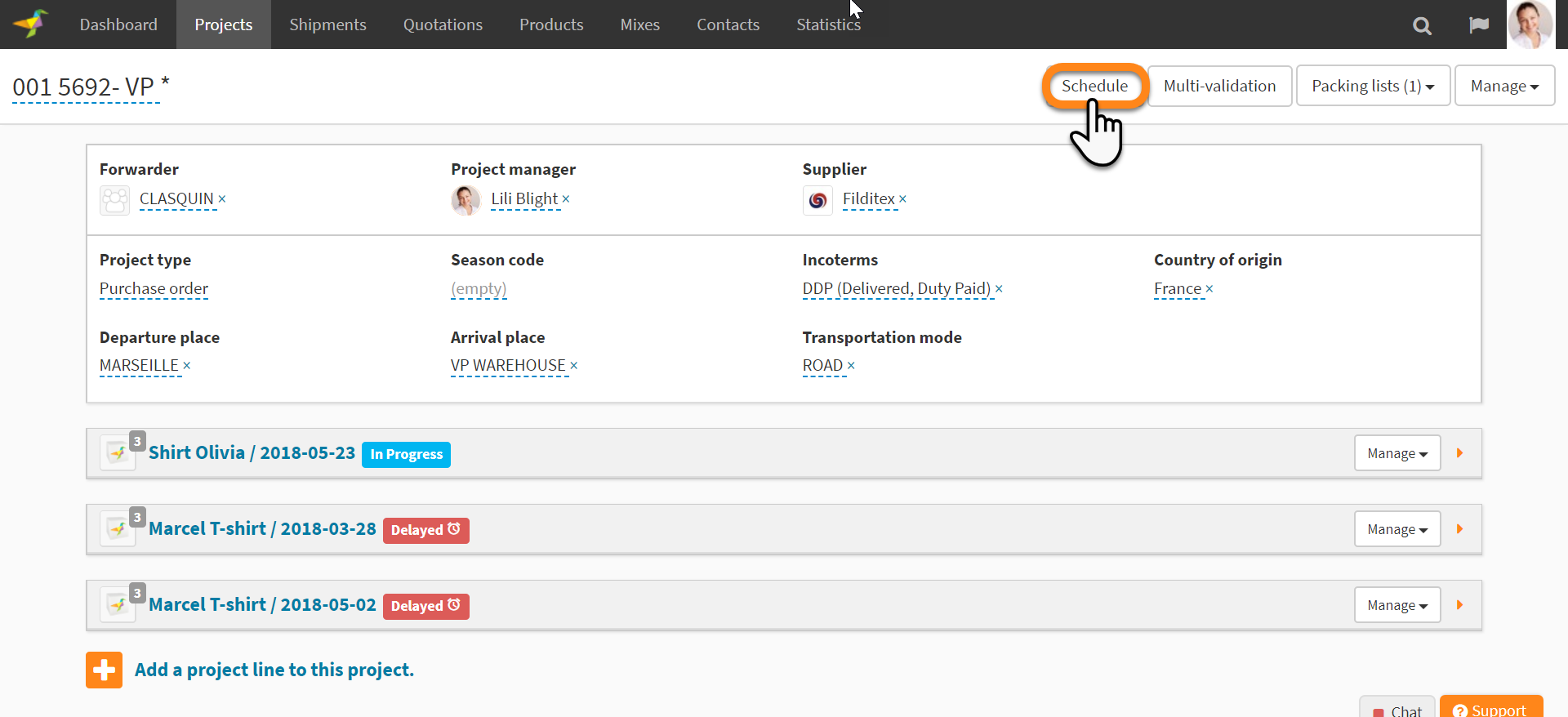
"Schedule" page is accessible from the "Project" page by clicking on "Schedule" button
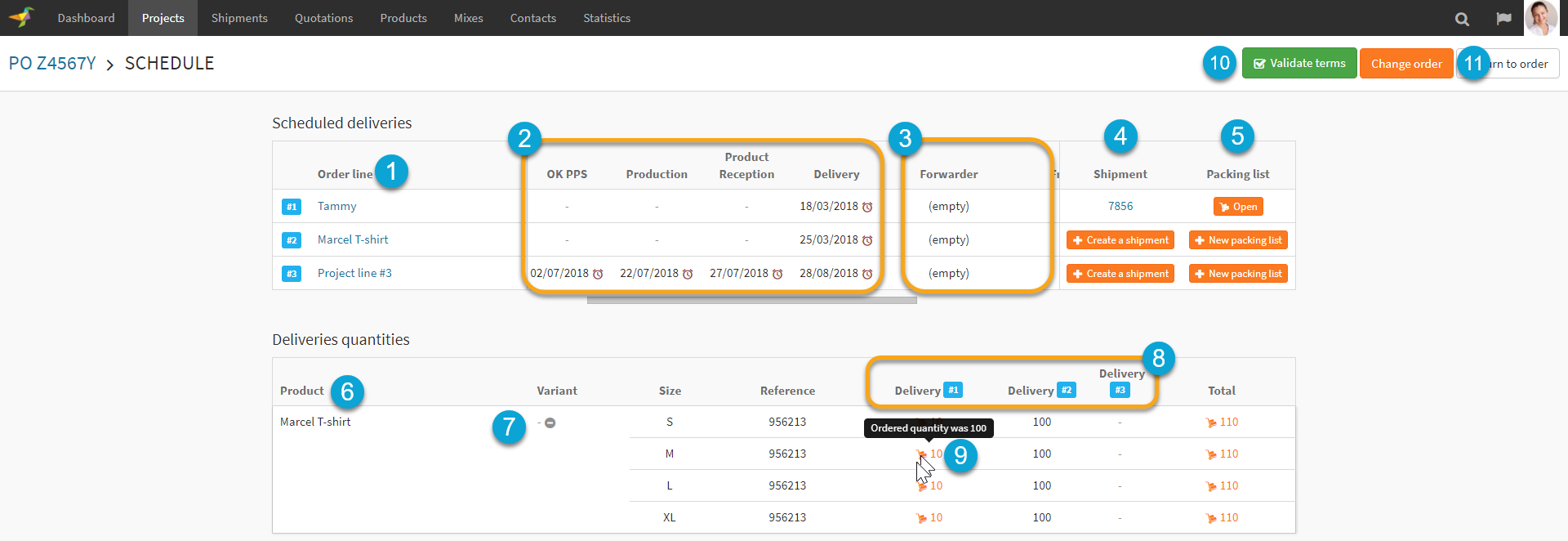
- The Order Lines of the selected project are listed in the "Schedule" page
-
The "Schedule" page is displaying the milestones of the selected workflow for this project
- The other terms of the project line are also displayed. (ie forwarder, freight type, incoterms...) The fields are manageable from the "Company Settings"
- The shipments link to eah Order Line are listed. If no shipment exists, you'll see a "Create Shipment" shorcut button
- For each Order Line you can open the packing list associated. If no packing list exists, you'll see a "New Packing List" shorcut button
-
Product of the project line are listed by variants.
- If there are several variants/sizes etc you can expend or collapse the view
-
For each product you can see the quantities splitted by project line (delivery)
- When a packing list exists for a specific product & delivery, a packing icon is displayed. If the packing list quantity is different than the planned quantity Winddle will highlight it.
- "Accept terms" of the project will validate the project terms and update the project status from pending to validate. (see related article)
- The terms and/or schedule of the project line can be amended (see the related article)
To do so click on "Change Order", as a supplier the button will display "Request Change".
0 Comments