
Bulletin is a straightforward way to communicate internally and/or with your partners on general topics or to make announcements.
Create a new Bulletin
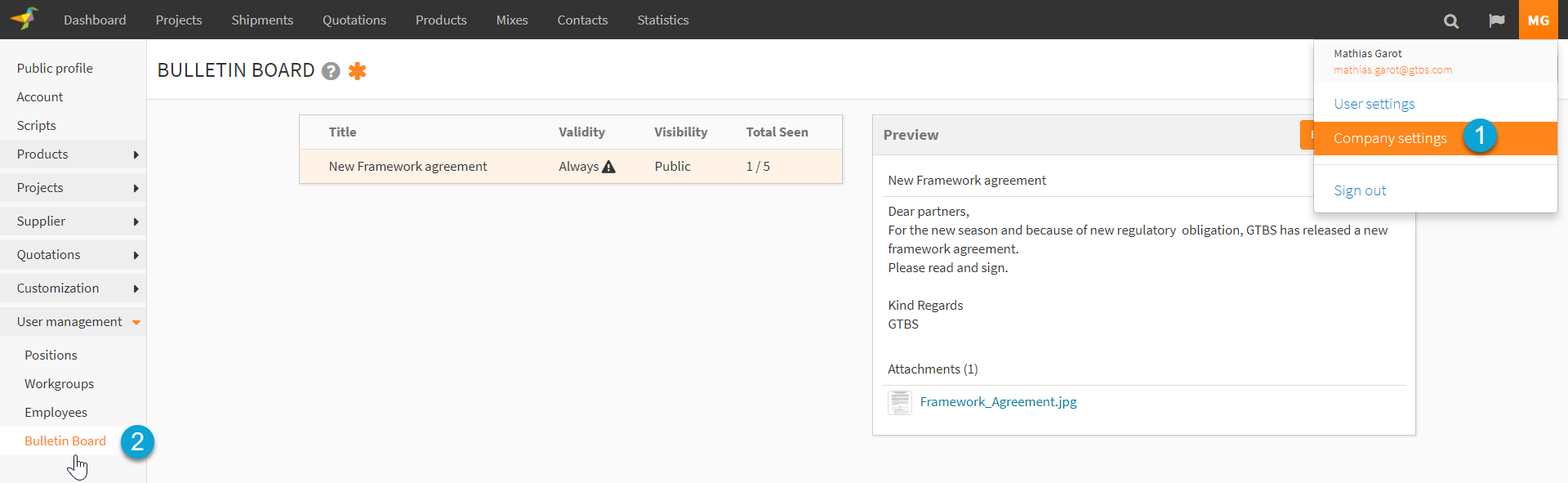
1. Go to your "Company Settings"
2. Click on "Bulletin Board"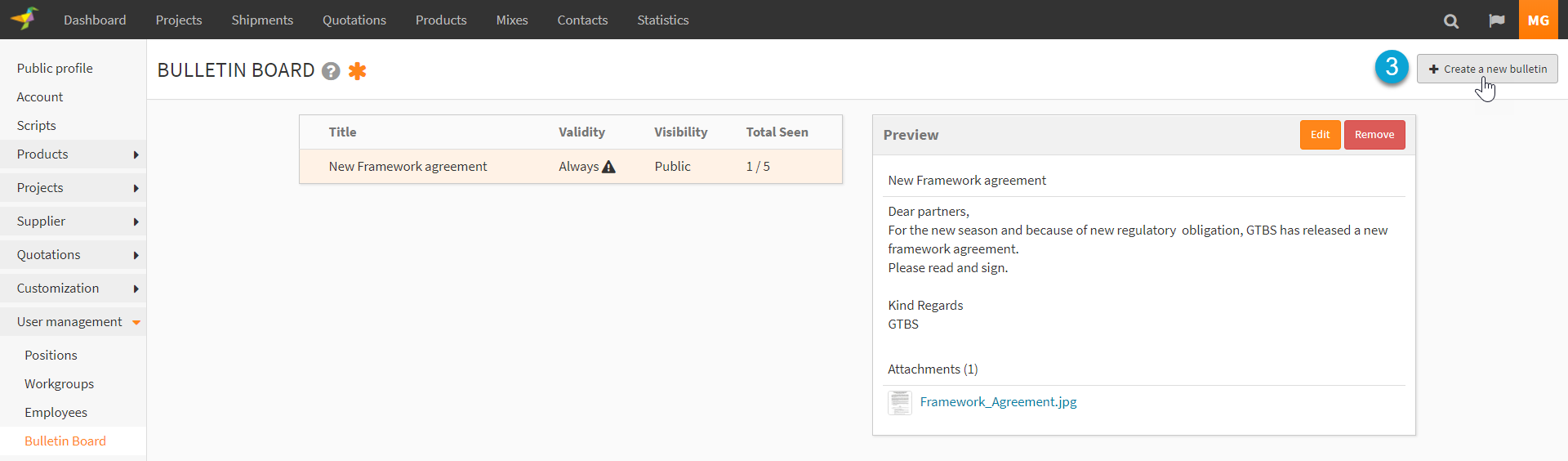
3. Click on "Create a new Bulletin", a pop-up will open.
4. You can decide of the visibility of the Bulletin. I can be either public or just visible internaly
5. You can decide of the validity time of the Bulletin
6. By clicking on the "Critical", all the new partners as well current will se the Bulletin
7. Define a title for the Bulletin
8. Edit the Bulletin
9. You can attache documents to the Bulletin
10. Create and Share the Bulletin
0 Comments